

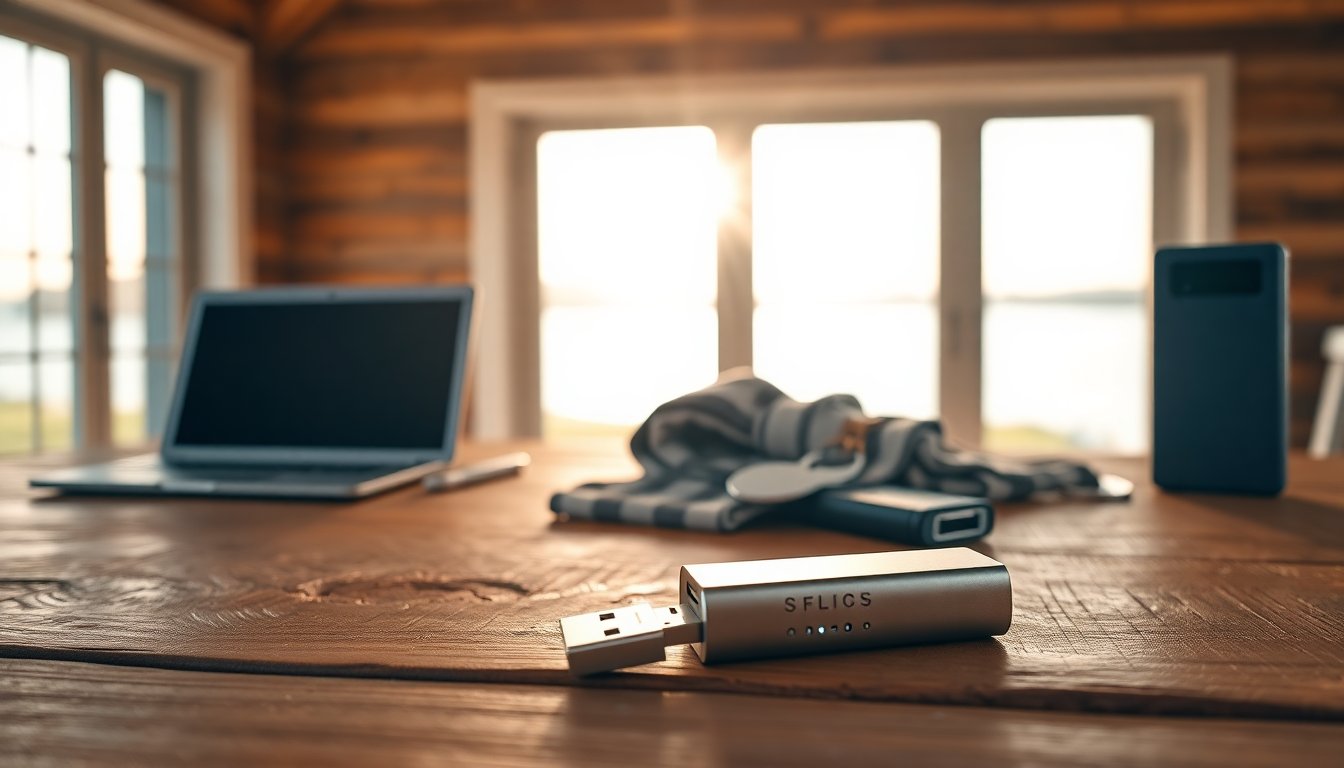
Many people who split time between cities, vacation spots or a second home need reliable connectivity without committing to long contracts. The internet stick — often a compact USB device that contains a rechargeable data SIM — is a common choice because it uses mobile networks to bring online access directly to a laptop or other device. These devices typically plug into a USB port or, in modern variants, generate a local Wi‑Fi hotspot. Their appeal lies in simplicity: plug in, let the device auto‑configure, and browse without technician visits or fixed wiring.
Beyond the hardware, what matters is the plan model: many offers are prepaid or rechargeable, letting users pay only when they need data. Top-ups can be made via an operator app, website or physical voucher, and most sticks include a management panel to monitor remaining data and session times. When evaluating this option for a holiday or part-time residence, prioritize coverage, expected data consumption and the number of concurrent devices you plan to connect.
How mobile USB sticks work
An internet stick functions as a miniature mobile modem: it houses a SIM provisioned for data and connects to cellular networks like 3G, 4G or 5G depending on the model and local availability. Inserted into a computer, the device negotiates with the operator’s radio network and establishes an IP session so you can surf, stream and use cloud services. Many models present a web interface or small app where you can check signal strength, session statistics and remaining allowance. This plug‑and‑play nature makes the technology attractive for non‑technical users and frequent travelers who need an instant online link.
Setup and recharging
Initial setup is usually straightforward: insert the rechargeable data SIM, connect the stick, and follow on‑screen prompts. The device often auto‑configure APN settings, or they are pushed by the operator. Recharges happen through the operator’s portal or mobile app, or by buying physical vouchers in shops. Keep an eye on your data cap and session duration in the device’s control panel to avoid unexpected slowdowns or charges. Some providers offer prepackaged bundles of gigabytes while others bill strictly on consumption — choose what matches your typical weekend or holiday usage.
Advantages, limitations and realistic expectations
The core advantages of a stick are clear: mobility, low upfront cost and freedom from long‑term commitments. For single users or short stays, a stick provides a private connection that is more secure than many public Wi‑Fi networks. Yet there are tradeoffs: wireless performance depends on local coverage and network congestion, so speeds can be uneven compared with a fixed line or FWA. Data allowances on prepaid plans are often limited, and sustained high‑bandwidth activities can quickly consume your quota.
Practical limits
For activities like heavy file downloads, multiple simultaneous streams in 4K or supporting a household of devices, a stick can fall short. Tethering from a smartphone can work in a pinch, but it drains the phone battery quickly and shares a single device’s data plan. In remote locations or deep inside certain buildings, signal attenuation may reduce throughput or cause dropouts. Assess how many devices need to be online and whether consistent throughput matters for your tasks before relying solely on a stick.
Alternatives: internet cubes, SIM internet and Fixed Wireless Access
If you need a more robust but still flexible solution for a second home, consider a cubo internet (portable router), a dedicated SIM internet in a domestic router, or a Fixed Wireless Access (FWA) plan. An internet cube is a battery‑powered router that shares a single mobile connection across many devices and usually handles higher concurrent loads than a stick. A SIM internet inserted in a conventional router gives more stable indoor coverage. FWA uses a fixed antenna and network transport to deliver speeds closer to traditional broadband and can be offered on rechargeable terms by some operators, allowing activation only during periods of use.
When choosing, weigh the number of users, required bandwidth and the importance of stability. For occasional single‑device browsing a stick shines; for regular multi‑device use in a holiday home, an internet cube or FWA package is often the more practical choice. Evaluate local network maps and trial options when possible to ensure the selected solution meets real‑world expectations.
In short, match your choice to usage patterns: check coverage, estimate monthly data needs, and decide how many devices will be online. A rechargeable internet stick is compact and convenient for short stays and mobile work, while FWA or a portable router provides greater stability for ongoing use in a second home.


