

In the landscape of digital television, Sky Q has emerged as a leading system for home entertainment. However, users often face challenges, particularly with satellite installations that may not meet Sky Q’s specifications. This article examines common issues users encounter and offers practical solutions to improve their
viewing experience.
Identifying the source of the problem is essential when Sky Q malfunctions. Connectivity issues frequently arise from the configuration of the multiswitch or the type of satellite system installed. It is crucial to ensure that your equipment complies with Sky Q’s communication standards, including dCSS or SCR.
Diagnosing the issue
The first step in addressing any malfunction with Sky Q is to pinpoint the root cause. Many users discover that their multiswitch is incompatible
with Sky Q’s requirements, impeding the decoder’s performance. To resolve this, consider replacing your current multiswitch with one that supports dCSS, which can optimize your signal and rectify reception problems.
Configuring the multiswitch
The multiswitch plays a critical role in your satellite reception system. If it is not compatible with dCSS, the Sky Q decoder may not function correctly. Upgrading to a compatible multiswitch model is often the most effective solution.
This enhancement can significantly improve signal quality and eliminate reception issues.
Setting up your Sky Q system
Once you have confirmed that your multiswitch is compatible, following the correct configuration procedures is vital. Performing a factory reset of your Sky Q decoder can often resolve a range of issues. After resetting, select the SMATV installation option to customize the system according to your satellite setup’s specific requirements.
Testing signal reception
After configuring the decoder, it is essential to test the signal reception. If you do not receive any signal, wait a few moments for the system to stabilize. If no transponders are detected, the issue may be with the cables or connections. Inspect the integrity of the cables and consider upgrading to newer models, as this can significantly enhance signal reception.
Exploring connection alternatives
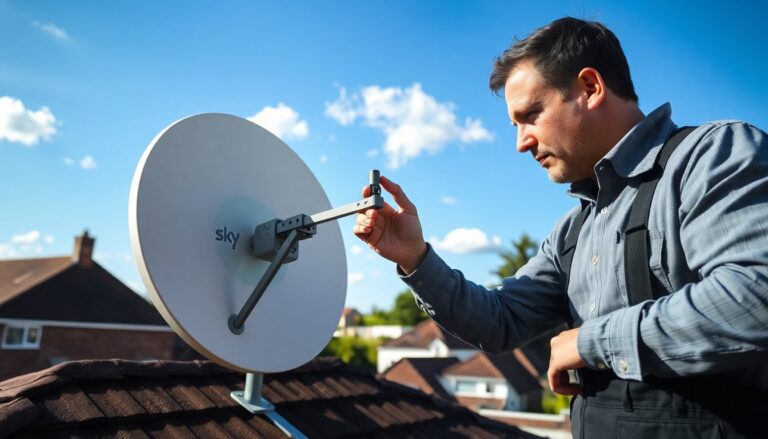
If connectivity issues persist, consider installing a dedicated satellite dish. This option is particularly advantageous for residents in multi-unit buildings where the shared system may not meet individual needs. A personal setup featuring a dCSS LNB can ensure efficient signal reception and access to a broader range of channels.
For those hesitant to make structural modifications, utilizing Sky via the internet is another viable alternative. Although this option may incur additional costs, it provides a quick and hassle-free solution to satellite reception challenges.
Resolving Sky Q connection problems requires a thorough diagnosis and often involves adjustments to the satellite installation or equipment upgrades. By selecting appropriate solutions and following guidance from customer service, you can ensure a seamless and satisfying viewing experience.