

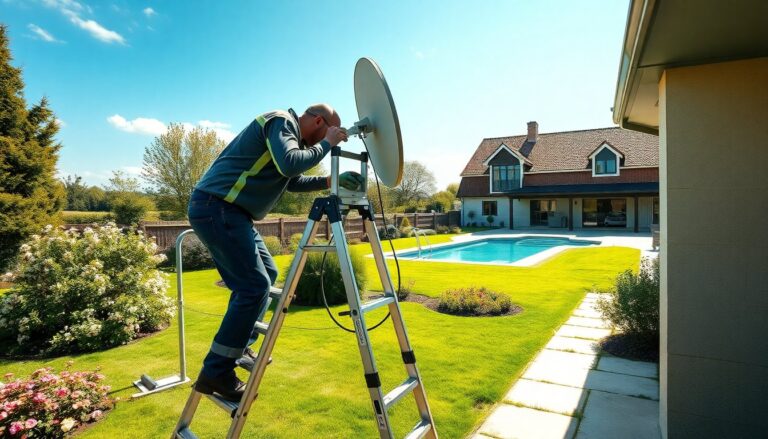
Setting up aSky Qsystem in a secondary residence can present significant challenges, particularly with a newly installed satellite system. Many users experience frustrating signal issues that disrupt their viewing experience. This article examines common problems and offers effective solutions to improve your Sky Q experience.
Identifying signal issues
The first step in resolving signal problems is to determine whether the issue originates from theSAT cableor the satellite system itself. If channels function properly when the cable is connected directly to the television, the problem likely lies with the configuration of the Sky Q box. Conversely, if there is no signal even with a direct connection, a thorough inspection of the
Examine the satellite installation
An essential factor in your installation is the type ofmultiswitchused. It is important
to verify whether your model is compatible withdCSS technology. Not all multiswitches support Sky Q, and incompatibility may result in a lack of signal.
Checking device compatibility
For residents of apartment buildings, it is crucial to consider any additional devices that may be part of the communal system. Verifying the presence of amplifiers or other equipment that could interfere with the signal is advisable. If possible, consulting a qualified technician for a comprehensive assessment of the entire system is recommended.
Configuring Sky Q correctly
Another important aspect to review is the configuration of your Sky Q system. Settings can vary amonglegacy,SCR, anddCSSinstallations. Ensuring that your Sky Q system is set up correctly based on your installation type is vital, as minor discrepancies in settings can lead to significant issues in signal reception.
Practical solutions to improve signal quality
If issues persist after conducting the necessary checks, several practical solutions can be considered. One option is to use a high-qualitycoaxial cableto reduce signal loss. Additionally, installing a signalamplifiermay significantly enhance reception quality.
If uncertainties remain, it is advisable to contact Sky’s technical support. Their specialists can provide tailored assistance and guidance based on your specific situation. Although the setup process may initially seem daunting, with patience and the right information, your experience with Sky Q can ultimately be highly rewarding.