

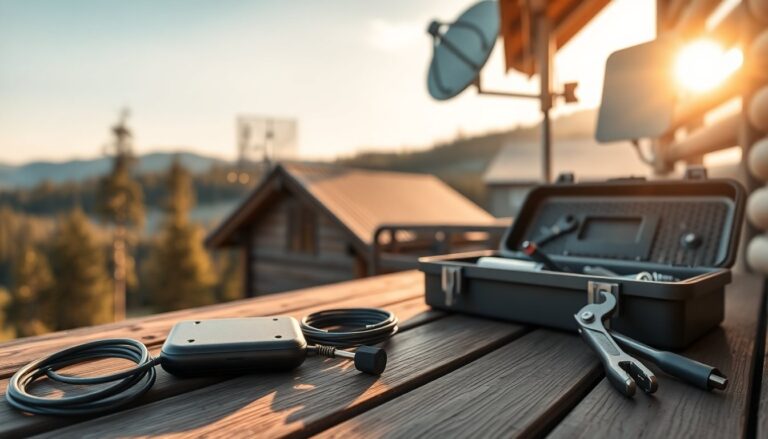
Bringing a dependable internet connection to a mountain house often requires more planning than city setups. Terrain, vegetation and sparse infrastructure combine to make signal propagation unpredictable, so the fastest advertised plan is not always the most practical choice. This guide walks through accessible alternatives — from
mobile hotspots to Fixed Wireless Access and satellite systems — and explains the trade-offs around cost, installation and performance. It also highlights why metrics like latency and upload quality matter as much as headline download speeds when you rely on video calls, cloud backups or remote work.
Think of the decision as matching a tool to a task: a simple mobile hotspot can save the day on a short weekend, while a professionally installed FWA
link or satellite terminal can sustain long-term remote work. Local coverage maps and a quick signal test at the exact property are essential steps before committing. Below you will find clear explanations of how each technology behaves in a mountain environment, practical buying tips, and guidelines for deciding between a temporary, pay-as-you-go arrangement and a fixed installation that prioritizes continuity and throughput.
Why mountains are challenging for connectivity
The physical geography of highlands creates the main obstacles: ridges, deep valleys and dense forests block radio paths that transmit mobile and wireless signals, producing shadowed spots and unstable links. Harsh weather such as heavy snow or fog can further degrade reception at times, so a solution that performs well in ideal conditions may falter seasonally. Economically, many mountain communities fall into what is called the digital divide, meaning operators are less likely to invest in costly fiber runs because of low population density and challenging civil works, which forces owners to evaluate alternatives that do not depend on long cable trenches.
Beyond physical limits there are practical consequences for users: inconsistent coverage often affects the upload direction and increases latency, which makes activities like video conferencing and cloud synchronization fragile. For anyone planning to work from a mountain base, the emphasis should be on stability, predictable speeds and upload reliability rather than only chasing peak download numbers. Simple, immediate indicators—such as whether a local mast is visible from the property—can predict whether mobile-based options will be viable or if a directional antenna and a fixed access link are needed.
Practical options and their trade-offs
Portable solutions: pros and cons
Portable tools — including a mobile hotspot device (sometimes called a “saponetta”), USB modems, or smartphone tethering — are the fastest to deploy and ideal for occasional stays. They require minimal setup and often work on prepaid plans, offering flexibility for second homes used sparingly. Their main drawbacks are dependency on the local cellular signal, limited capacity under heavy concurrent use, potential thermal throttling and shorter battery life in untethered modes. In marginal coverage areas these devices may provide only intermittent access, so reserve them for light browsing, email and emergency needs rather than continuous streaming or professional-grade remote work.
Fixed Wireless Access and satellite: when to choose each
For sustained performance, Fixed Wireless Access (FWA) is frequently the best compromise: it delivers broadband-like speeds via a directed radio link between a local base station and a rooftop or pole-mounted antenna, avoiding trenches while offering better throughput and reliability than handheld solutions. If there is truly no terrestrial option, satellite connectivity becomes the fallback; modern low-earth-orbit (LEO) constellations have cut latency compared with traditional geostationary satellites, though costs and monthly fees can be higher. Ricaricable offers — for example, plans like EOLO Quando Vuoi Max that combine FWA hardware and pay-as-you-go data — can be attractive for seasonal homes, providing both modern routers (such as Wi‑Fi 7) and installation flexibility.
How to decide and practical recommendations
Select based on use case: for casual visits and light streaming, a prepaid portable hotspot might be the most economical path, while regular remote work merits investing in a fixed solution with an external antenna and professional mounting. Aim for 50–100 Mbps where multiple high-definition video calls or cloud services are routine, but remember that consistent upload speed and low latency are often more impactful than peak download figures. Always check local coverage maps, ask neighbors about their experience, and request a site survey if opting for FWA installation. Finally, factor in flexibility: ricaricable plans avoid long-term commitments, while fixed installations pay off when the property is used frequently.